

Log in to the VPC Console.
Click IP and Network Interface > Elastic Network Interface in the left-side directory to open the Elastic Network Interface list page.
Click the instance ID you want to view to open the details page.
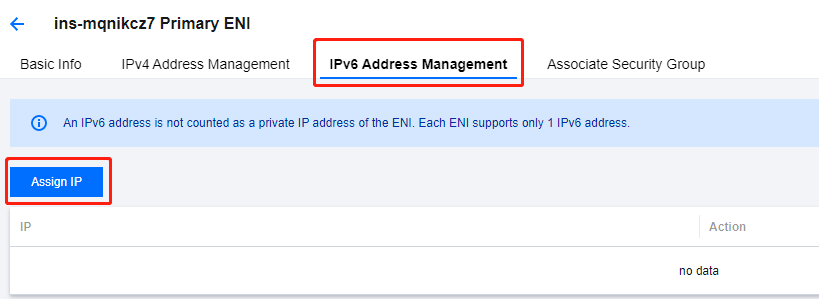
Select the IPv6 Address Management tab and click Allocate IP to request for an IPv6 address.
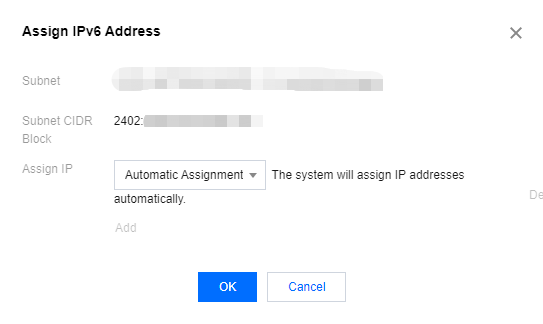
Click OK in the pop-up.
In the IPv6 Address Management tab, you can see that the system has allocated an IPv6 address to the ENI.

7. You can release the IPv6 address by clicking Release under the operation bar.
Note:
Before releasing it, please disable the public network of the IPv6 address.