

To handle possible misoperations, policy change requirements, or emergency fault recovery scenarios, policy backup and rollback features are provided to ensure your network protection policies remain stable and reliable.
With policy backup and rollback, you can quickly undo recent modifications and restore the policy configuration of NAT firewalls or inter-VPC firewalls to a previously saved status.
Flowchart

Policy Backup
- Log in to the CFW console. In the left sidebar, click Common Tools.
- On the Common Tools page, click Go to Configuration under Policy Backup and Rollback.
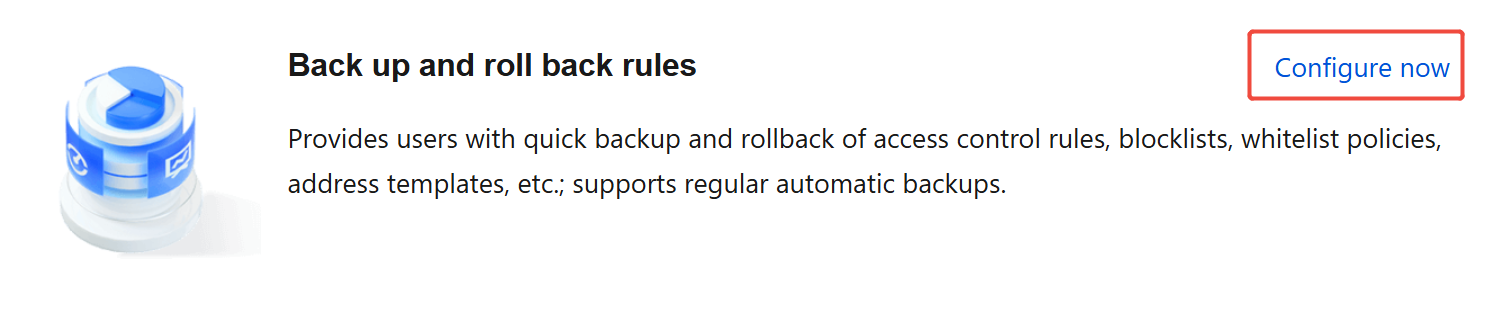
- On the Policy Backup and Rollback page, click New Backup.
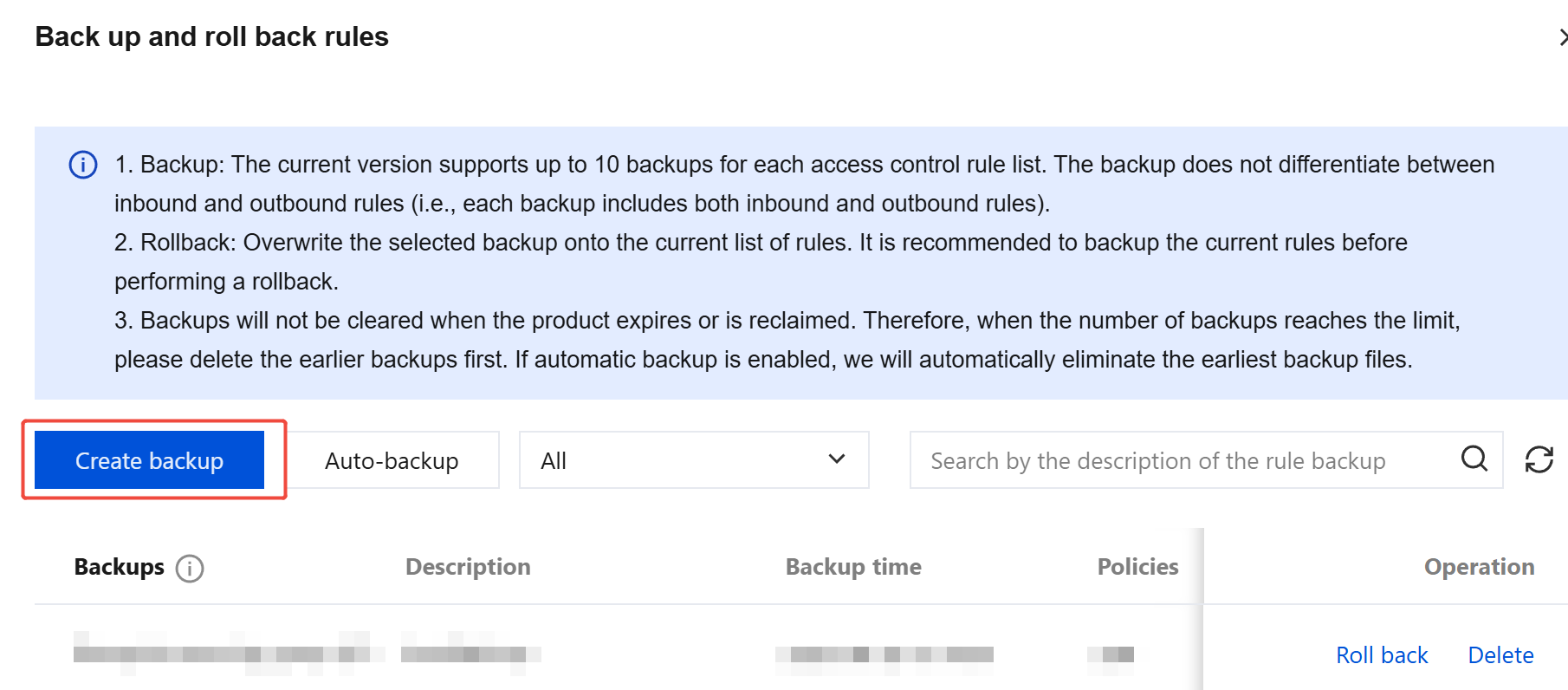
- Expand the backup list box, and the system will display the list of rules currently available for backup. Select the rules you want and enter a clear description in the Description field.
- Click OK. The system will immediately initiate the backup process. After completion, a 'Backup successful' prompt confirms that the backup is securely stored.
- To schedule Automatic Backup, click Automatic Backup, select the rules to enable automatic backup for, and set the appropriate time. Click OK to start the scheduled backup task.
Policy Rollback
Note:
Performing a rollback with a selected policy backup will overwrite the corresponding policy list. Existing policies will be deleted. To ensure data security, it is recommended to back up the current list before rollback.
- Log in to the CFW console. In the left sidebar, click Common Tools.
- On the Common Tools page, click Go to Configuration under Policy Backup and Rollback.
- On the Policy Backup and Rollback page, all backed-up rule resources, descriptions, and backup times are displayed.
- In the dropdown list box, locate the rules that require rollback and click Rollback.
- Click OK, and the system will immediately start overwriting the current rule list with the backed-up rules.
Use Cases
| Scenario Type | Policy Details |
|---|---|
| Policy Backup – Regular backup | Backing up firewall policies periodically retains different stages of network protection statuses. Useful for reviewing policy evolution, compliance audits, or comparing policies across periods. For example, during quarterly internal network security reviews, backups show the focus of firewall policy adjustments. |
| Policy Backup – Before major business changes | Before launching new business systems, expanding network areas, or making large-scale server architecture adjustments, backup ensures policies can be restored if new configurations disrupt access, introduce latency, or create security vulnerabilities. For instance, e-commerce enterprises backing up policies before the "Double 11" festival can quickly restore settings if unexpected issues arise. |
| Policy Backup – Personnel handover | Backing up policies before team changes reduces delays and risks. Backup policies serve as reference baselines for new team members to ensure consistent and rational policy modifications. |
| Policy Rollback – After misoperation | If critical rules are accidentally deleted or misconfigured, rollback recovers policies to the correct status, ensuring normal business operations. Example: restoring the previous day's backup after mistakenly deleting active key access rules. |
| Policy Rollback – After failed policy adjustment test | When testing new firewall policies reveals incompatibilities, high false positives, or performance degradation, rollback restores the stable pre-test configuration to allow further evaluation. |
| Policy Rollback – After network attack or failure | In the event of malicious tampering or system failure, rollback quickly recovers the previously reliable policy configuration, minimizing losses. Example: restoring the previous day's backup during a midnight DDoS attack that modified firewall rules. |