New members are placed in the root directory by default. The group organization creator can move members to the corresponding departments.
Operation Steps
Log in to the Cloud Organization console. In the left sidebar, select Department Management.
In the window on the right of Department Management, perform the following operations as needed:
Click Move in on the Member list tab page on the right.

- In the pop-up Move in Members window, select the members to be moved in, and click Confirm, as shown in the following figure:

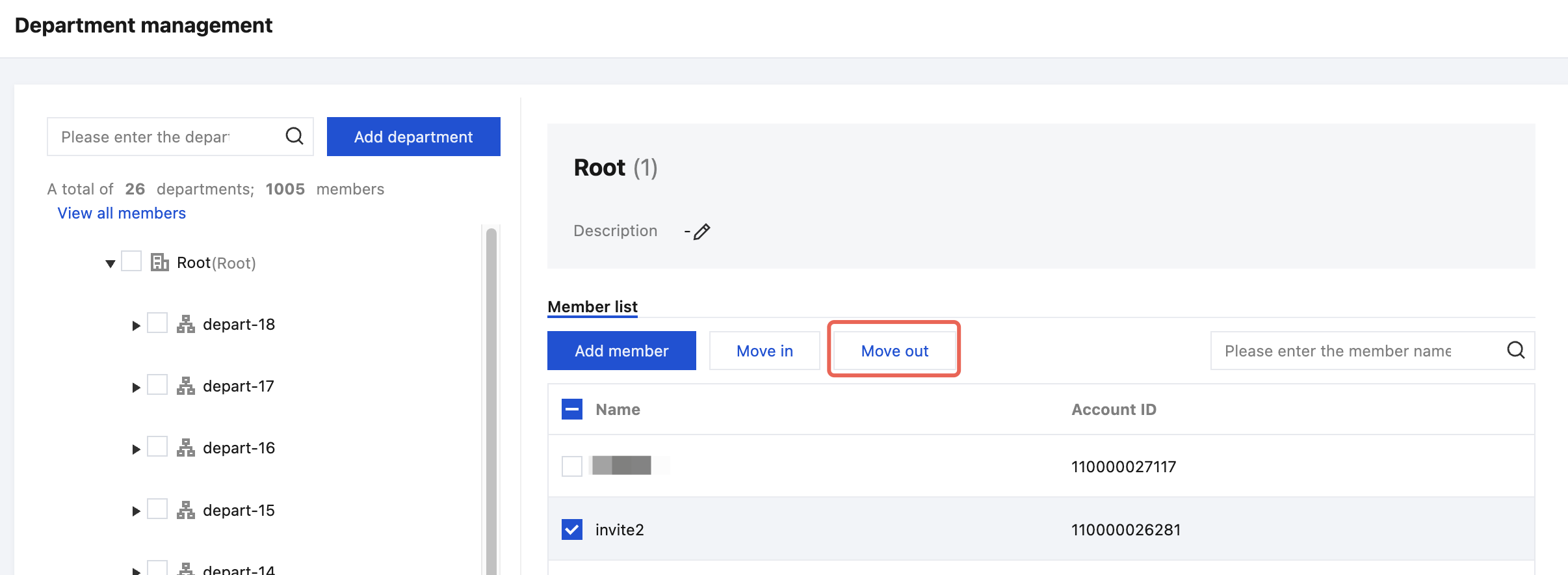
- Select the members to be removed on the Member list tab page on the right, and then click Move out.
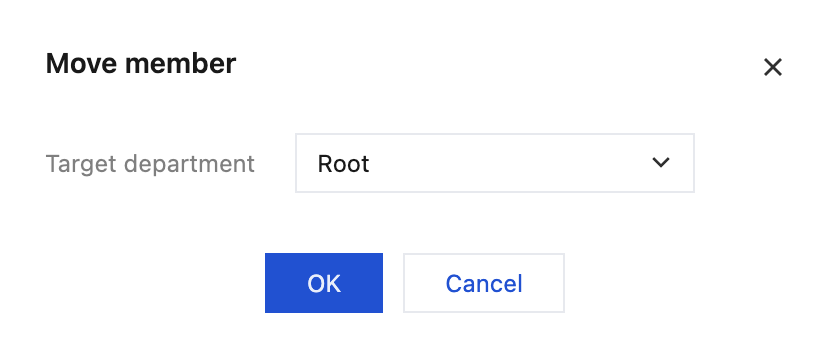
- In the pop-up Move member window, select the target department and click OK, as shown in the figure below: