

The group organization creator can manage members by department. This document introduces how to create a department in the Cloud Organization console.
Note
An organization can contain up to five levels of department relationships.
Operation Steps
- Log in to the Cloud Organization console. In the left sidebar, select Department Management.
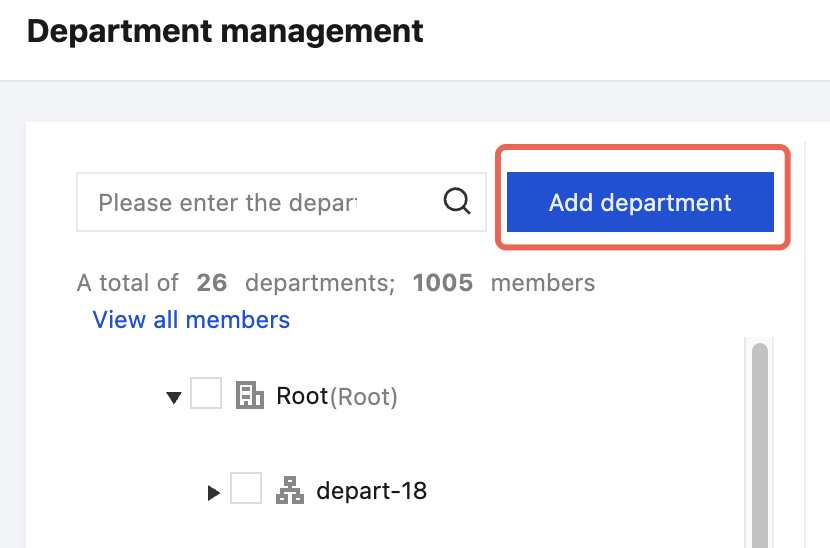
- On the Organization Structure page, click Add department, as shown in the figure below:
- In the pop-up Create department dialog box, select a root department name, fill in a department name, enter the description, and select a tag.

4. Click OK to create a sub-department under the designated unit.