

When a department is not needed, you can delete it in the Cloud Organization console.
Operation Steps
- Log in to the Cloud Organization console. In the left sidebar, select Department Management.
- On the Department Management page, hover the mouse pointer over the department to be deleted and click the deletion icon on the right, as shown in the figure below:
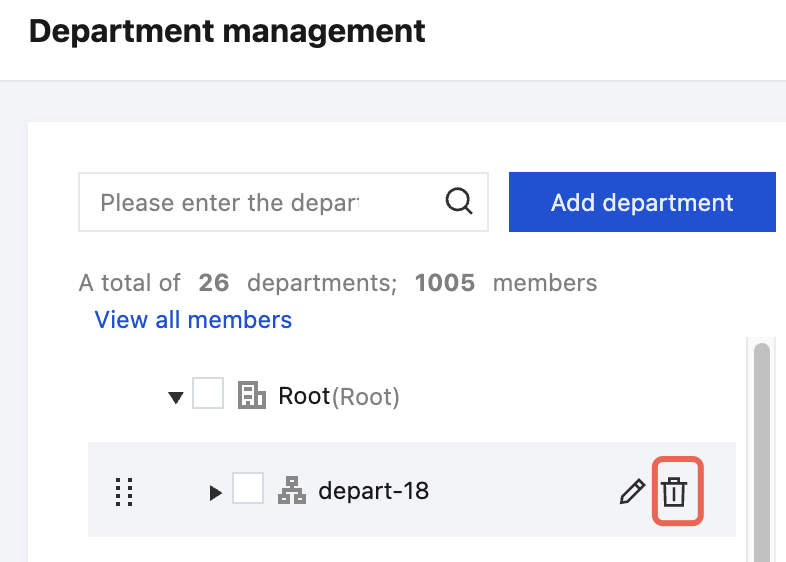
- In the pop-up Delete department dialogbox, click Delete.
