Operation Steps
- Log in to the tenant side, and choose Management & Audit > Metering Management.
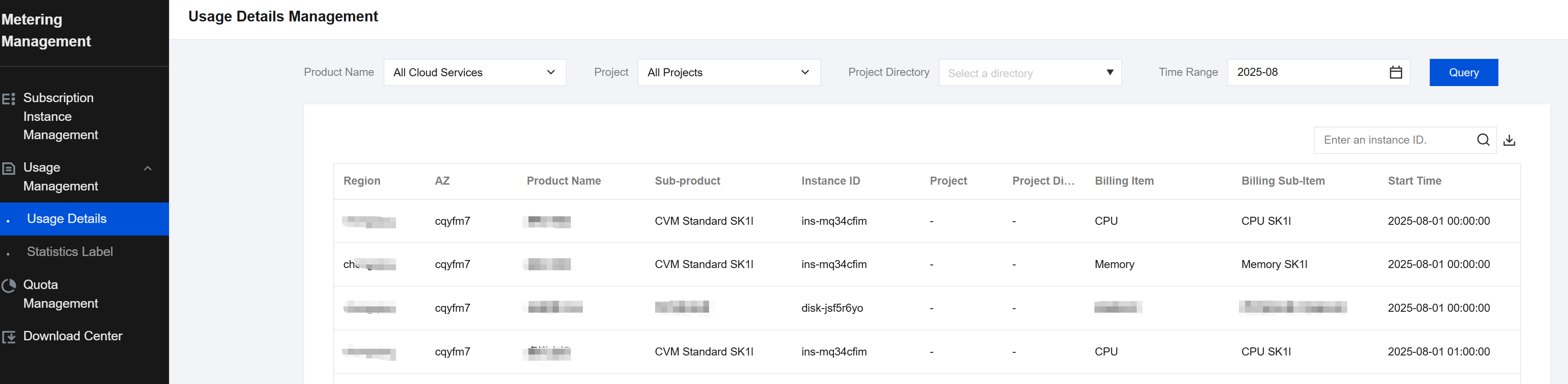
- On the Metering Management page, choose Usage Management > Usage Details.
- On the Usage Details page, view the usage information and export the list.
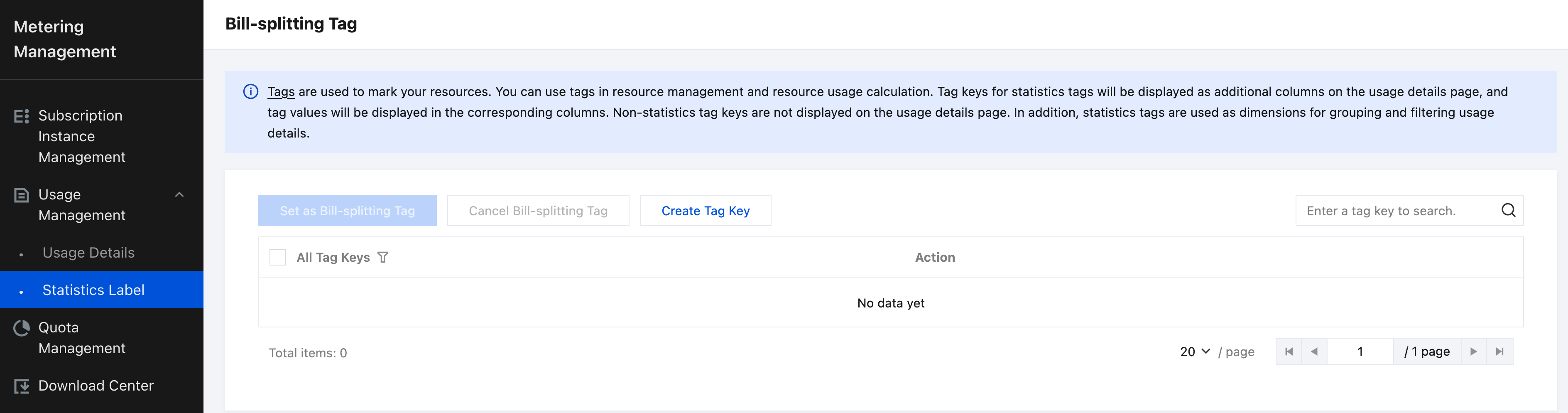
- On the Metering Management page, choose Usage Management > Statistics Label in the left sidebar.
- On the Cost Allocation Tag page, create a tag key.
Tags are used to mark resources of users and can be used for user resource management or resource usage statistics. Tag keys set as statistical tags are displayed as additional columns in the usage details. Each key corresponds to an additional column, and the value in each corresponding row is displayed in the usage details. Tag keys not set as statistical tags are not displayed in the usage details. In addition, statistical tags are used as dimensions for grouping and filtering the usage details.