Viewing Monitoring Data of Network Traffic Over a Cross-region Peering Connection
Last Updated At: 2026-08-14 08:08:00
Note:
- No upper limit is set on network traffic for intra-region peering connections.
- Cross-region peering connections support network traffic monitoring.
- Log in to Cloud Console, select Cloud Products > Cloud Computing & Networking > Virtual Private Cloud to enter the VPC console.
- Click Peering Connection in the left sidebar to enter the Management page.
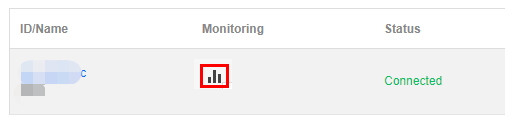
- Click the monitoring icon for the target peering connection to view the inbound and outbound bandwidth, number of inbound and outbound packets, and packet loss rate.