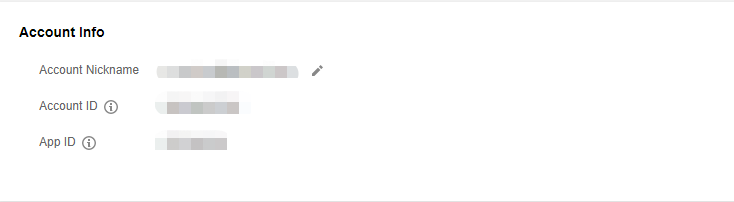
When you create a cross-account peering connection, you need to enter the account ID of the peer developer, which you can check as follows:
- Log in to Cloud Console, and click the account name in the upper-right corner.
- Click Account Information to view the account ID on the details page.