

Note:
To protect the normal business of channel users, only the bandwidth of a shared channel can be changed and deletion of the shared channel is not allowed.
Log in to the Direct Connect console.
In the left navigation bar, click Dedicated Tunnel to enter the Dedicated Channel interface.
In the list, find the dedicated tunnel to be deleted, click Delete, and confirm.
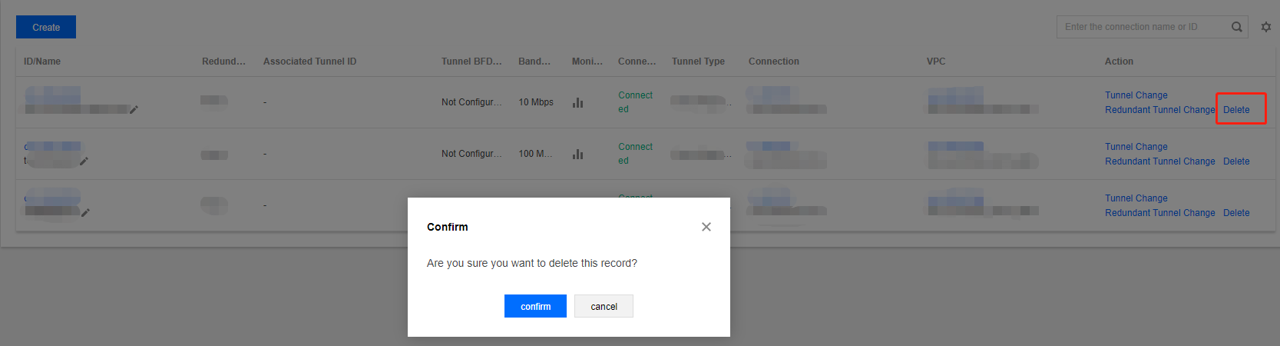
If the deletion of a DC tunnel is not completed, a new DC tunnel with the same VLAN ID cannot be created.
