

Connections support the configuration of monitoring alarms. The configuration steps are as follows:
- Log in to the Cloud Monitor console.
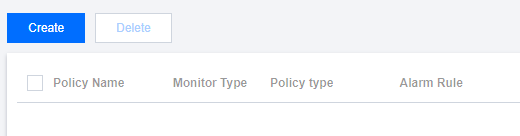
- Click Alarm Configuration > Alarm Policy in the left sidebar to open the management page.
- Click Create.
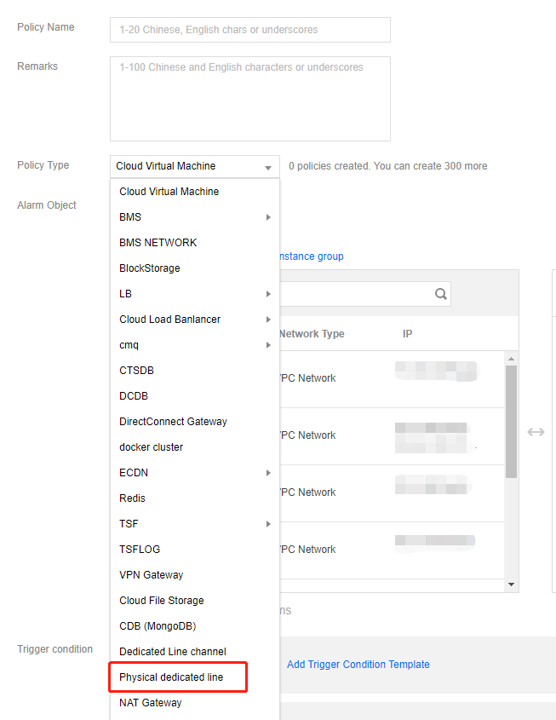
- Edit the alarm policy on the new page:
- Enter the alarm policy name/ID.
- Select Physical dedicated line for the policy type.
- Alarm Object: Select the associated DC tunnel.
- The alarm trigger conditions can be selected as: Outgoing bandwidth, Incoming bandwidth, and Bandwidth usage.
- Alarm Channel: Set the recipient of the alarm.
- API Callback: If you need to push the alarm information to a specified address, you can fill in this item. Cloud monitoring will push the alarm information to the address in time.
- Set the alarm channel and click Finish to complete the configuration of the alarm policy.
After the connection alarm configuration is completed, you can receive system alarms according to the settings of the alarm receiving group.