
- Log in to the CWP tenant console and go to Baseline Management > Security Baseline.
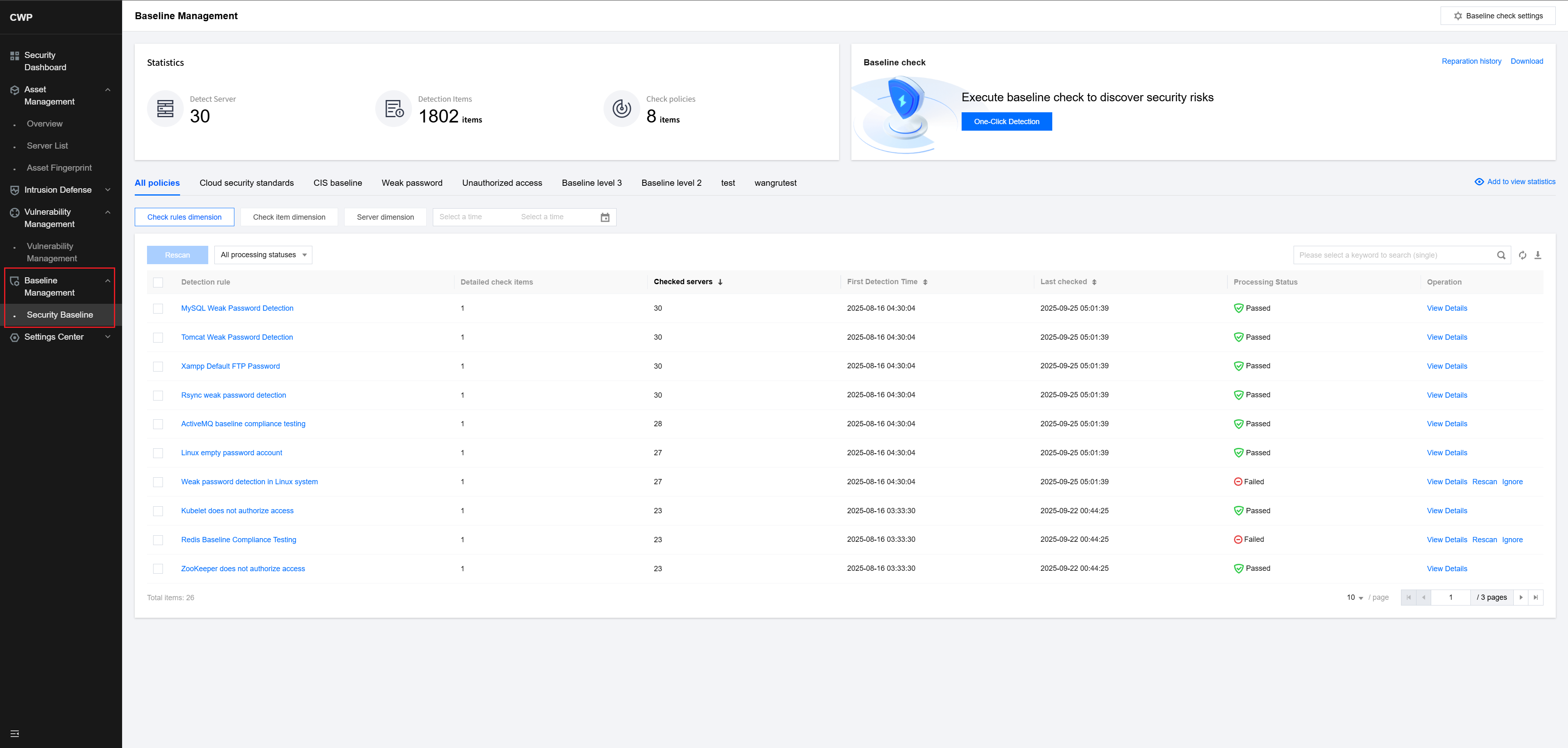
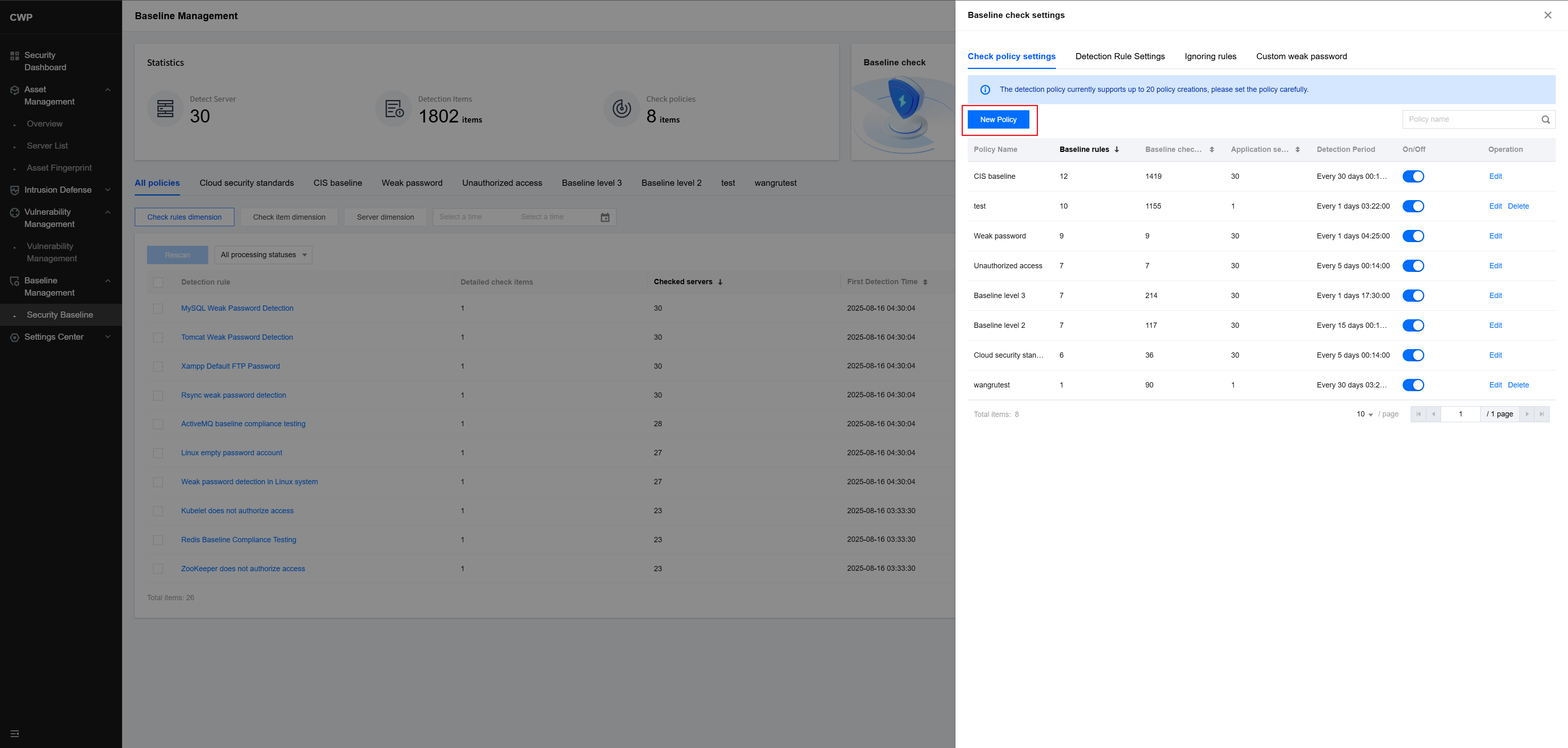
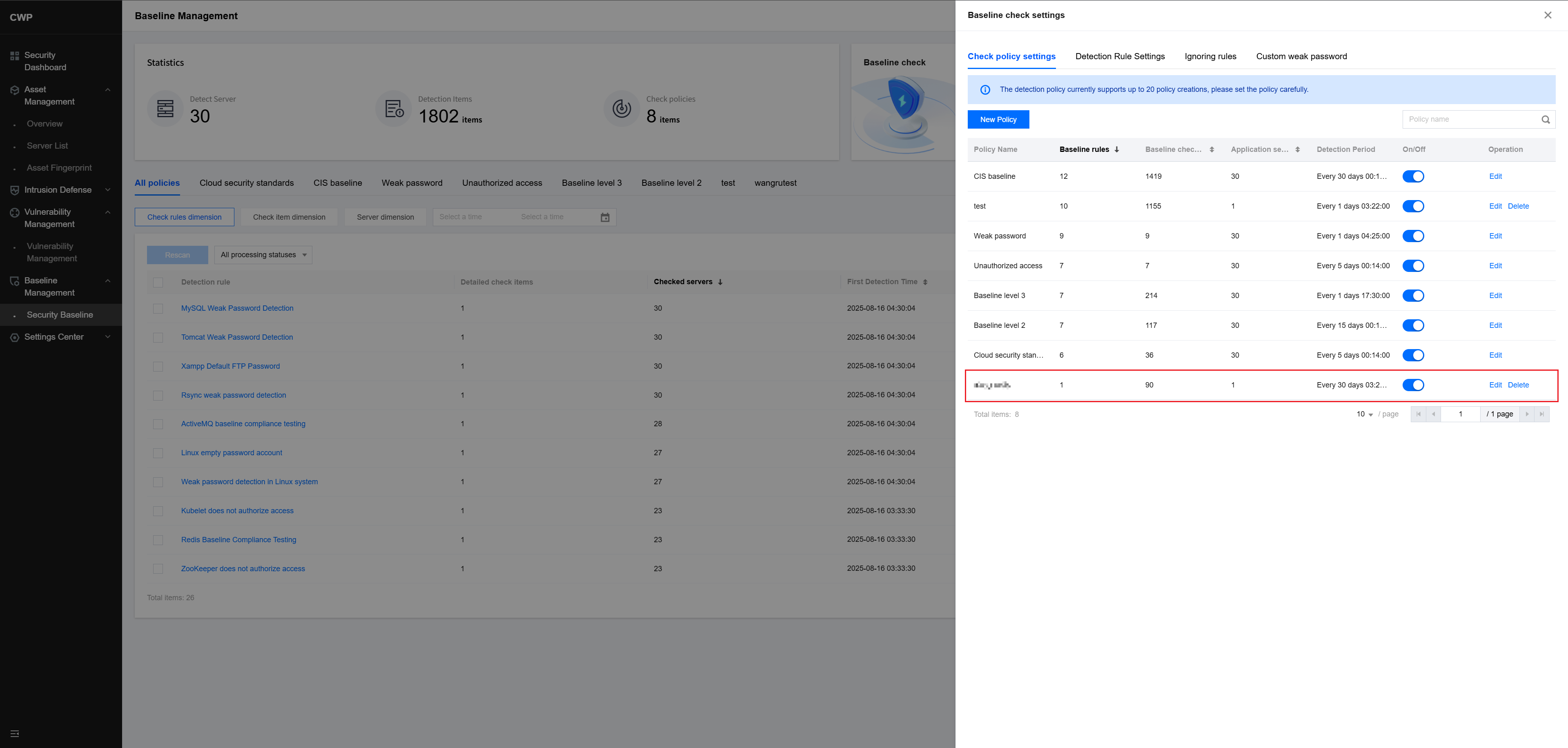
- In the upper-right corner, click Baseline Detection Setting > Create New Policy.
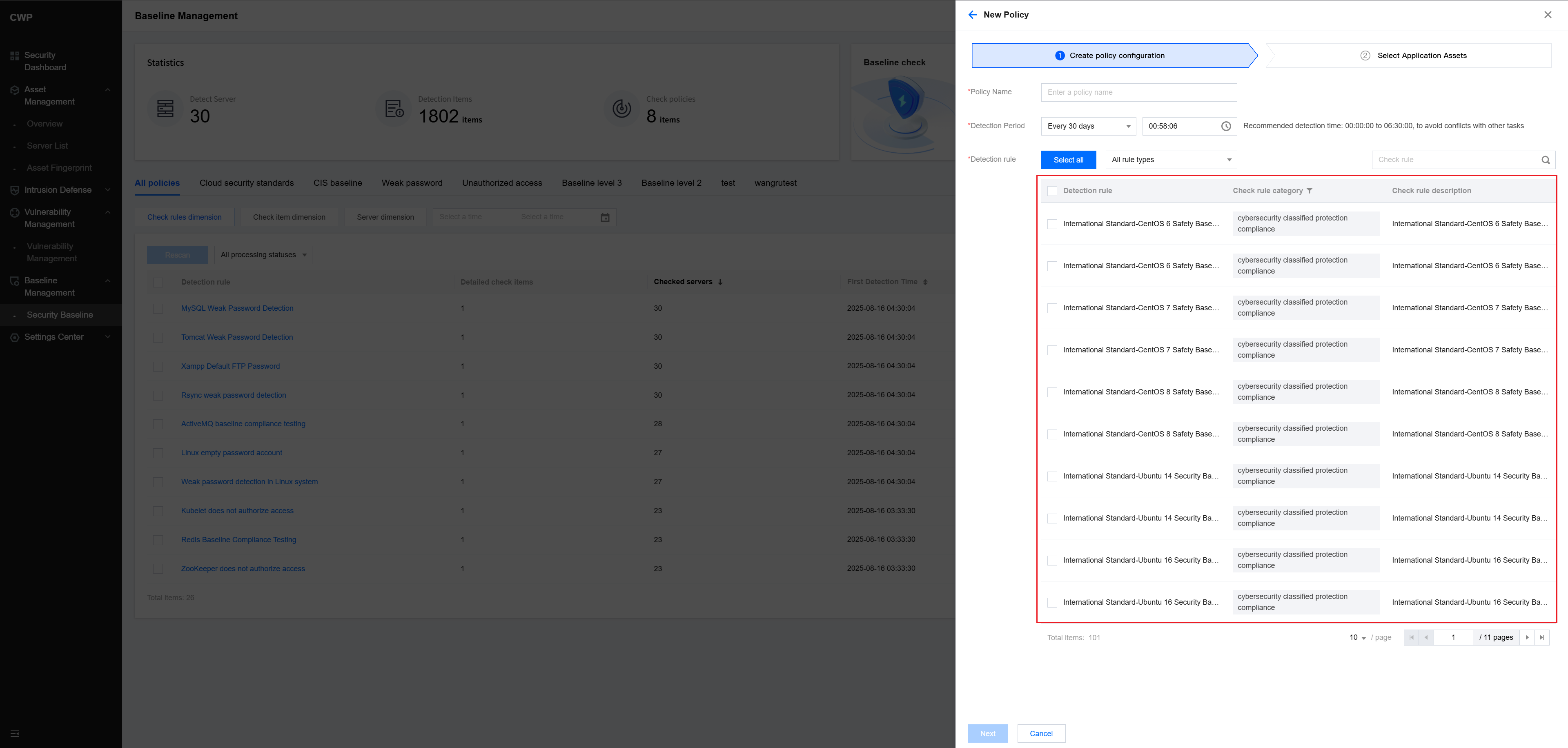
- On the Policy Creation page, select the baseline check items as needed.
- After selection, click Next and select the hosts to which the policy should be applied.
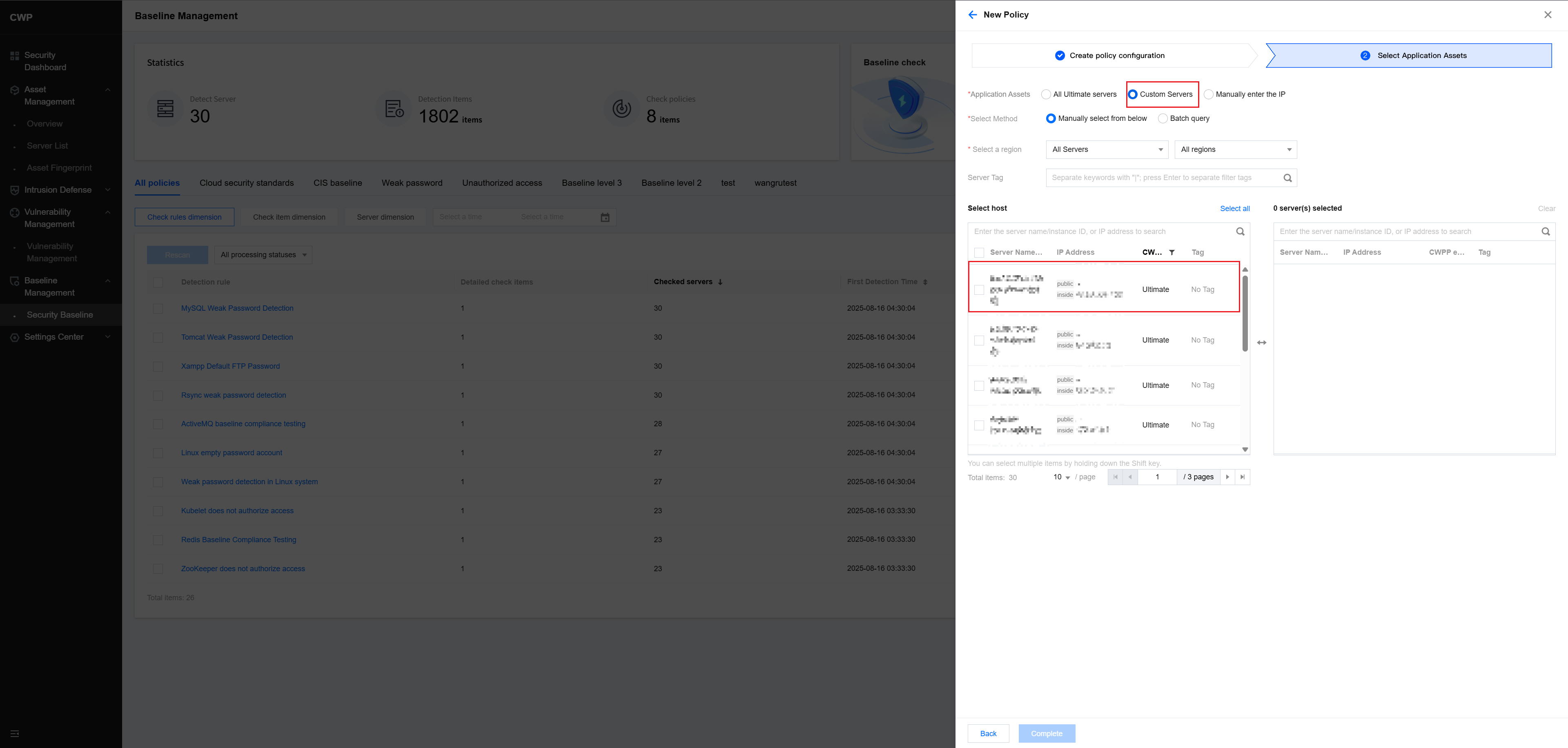
- Click Next to create the policy. You will be redirected back to the Baseline Detection Settings page, where the new policy is displayed.
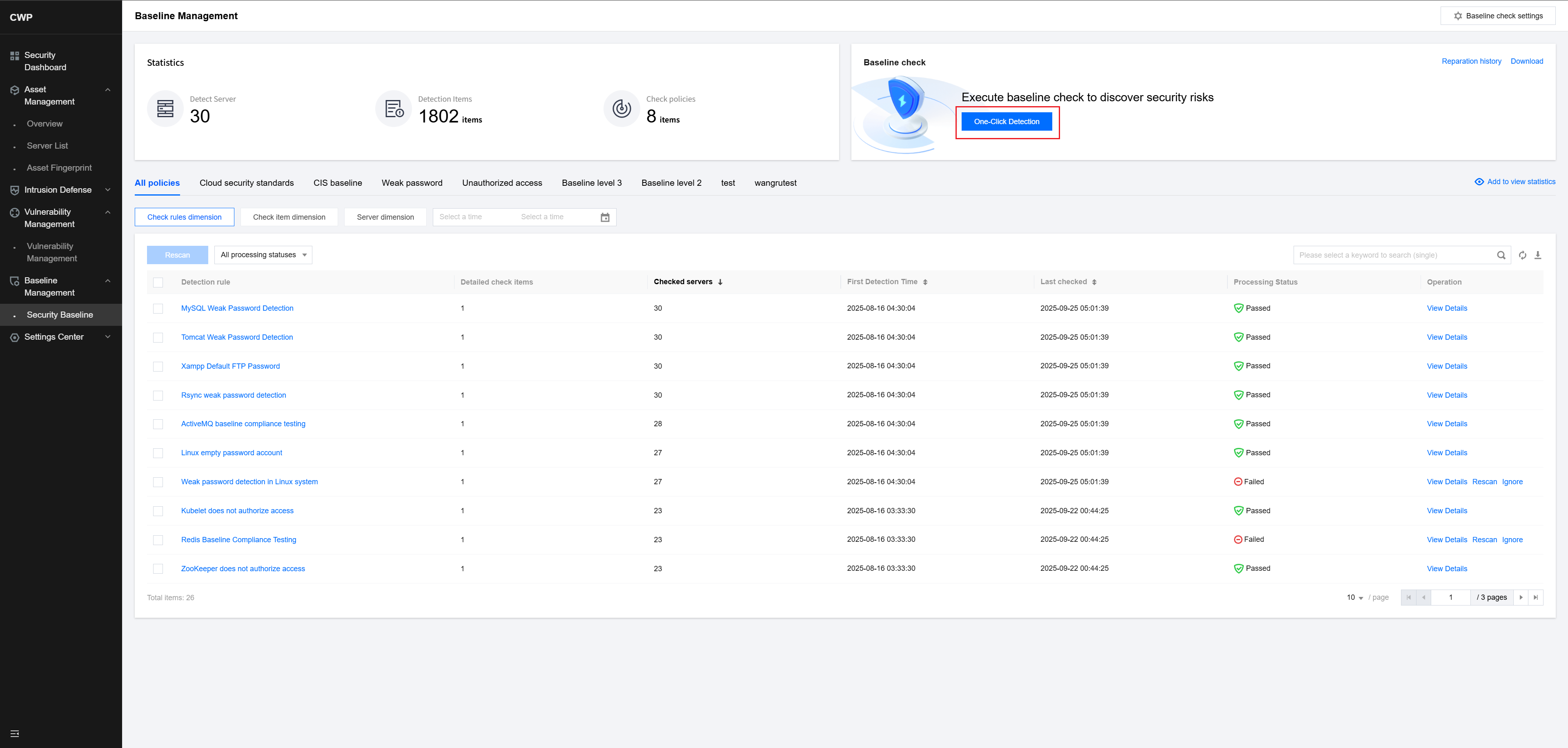
- Return to the Security Baseline page and click One-Click Scan.
- Select the baseline detection policy you created.
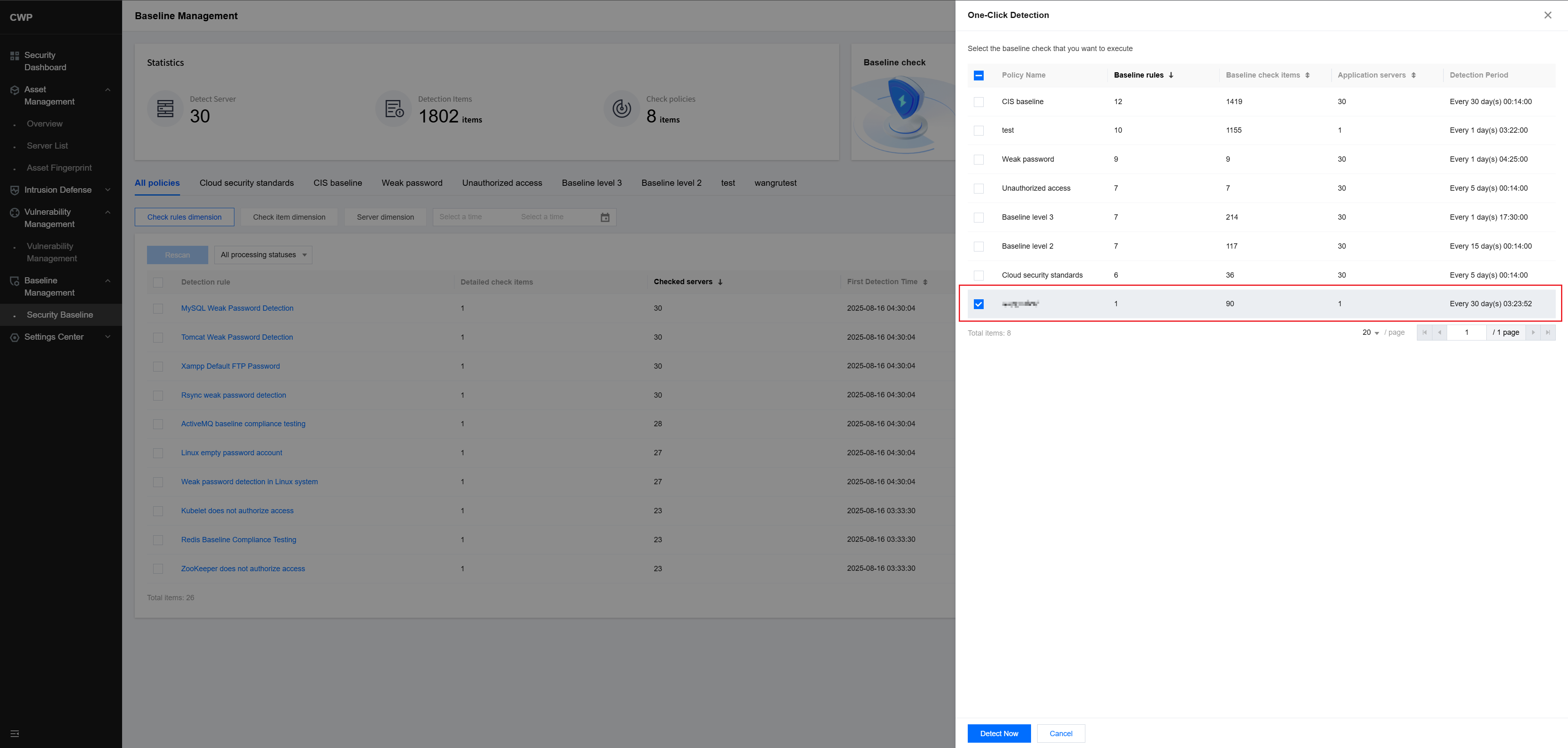
Click Detect Now to immediately begin the baseline scan.

