
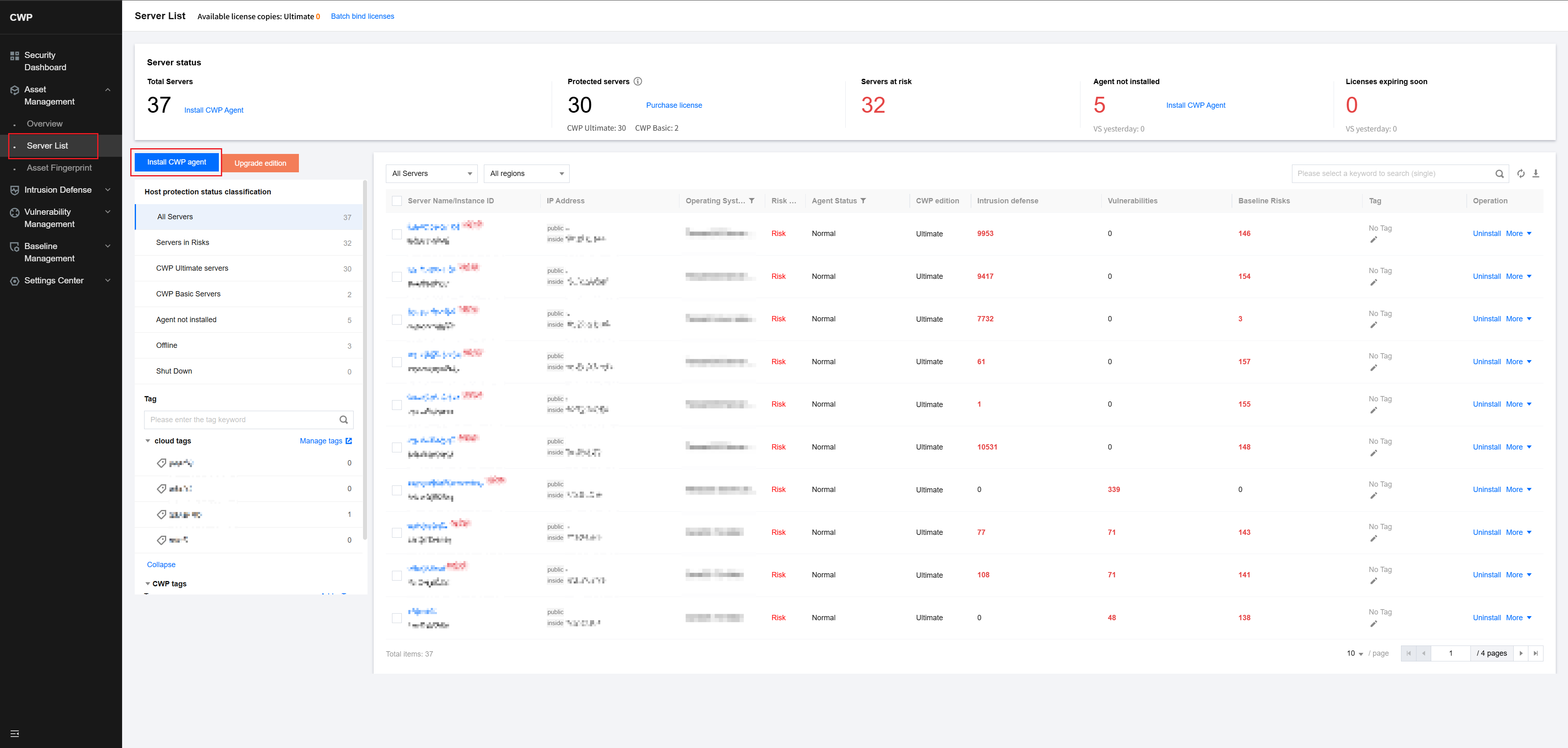
- Log in to the CWP tenant console and choose Asset Management > Server List > Install CWP Client.
2.Select the appropriate installation link based on the architecture and type of the server.
3.Copy the installation link of the CWP agent and execute it on the target server as a root user.
4.After execution, execute ps -ef | grep YD to check whether the CWP agent has started normally.
5.Once the server is connected, its status will display as Protected in the CWP console.


