

- Open the auto scaling console and click Scaling Group in the left sidebar.
- Select the scaling group you want to modify and click the scaling group ID/Name to enter the scaling group basic information page.
- On this page, you can view a list of instances bound to the scaling group.
- If you need to manually add CVM instances to the scaling group, click Add Instance, select the instances to be added (press and hold Shift to select multiple instances), and then click OK.
- To unbind an instance, click Remove next to the corresponding instance entry.
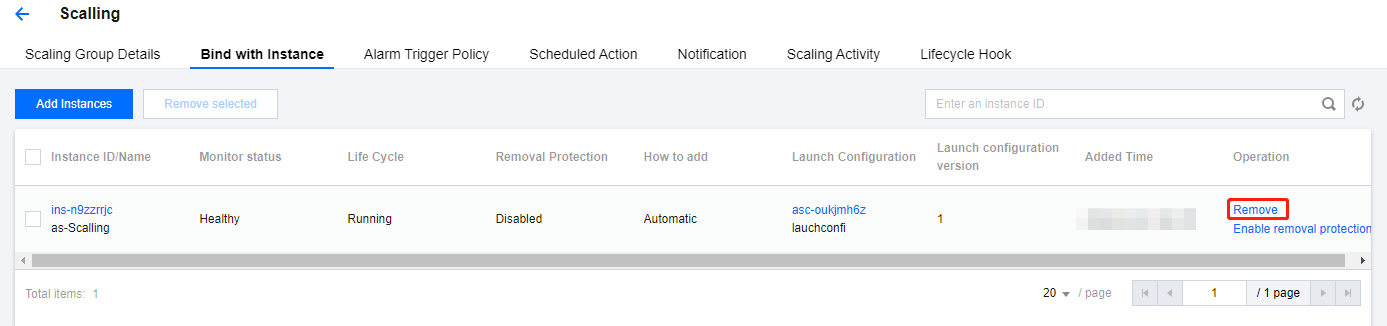
- Automatic production machines are terminated after being removed.
- Manually added machines are not terminated after being removed. They are only removed from the scaling group and unbound from the CLB.