

Operation Scenarios
When you don't need a record any longer, you can delete it. Once deleted, the record will stop taking effect. Proceed with caution.
Directions
- Log in to the Converge Cloud VPC DNS console and enter the VPC DNS List management page.
- In the "VPC Domain Name Resolution List", select the private domain name for which you need to delete records, and enter the Resolution Record page of that domain.
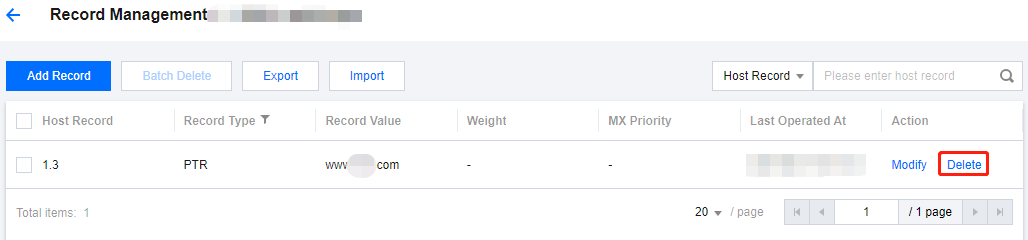
- Please select the resolution records you need to delete and click Delete in the action column to delete them.
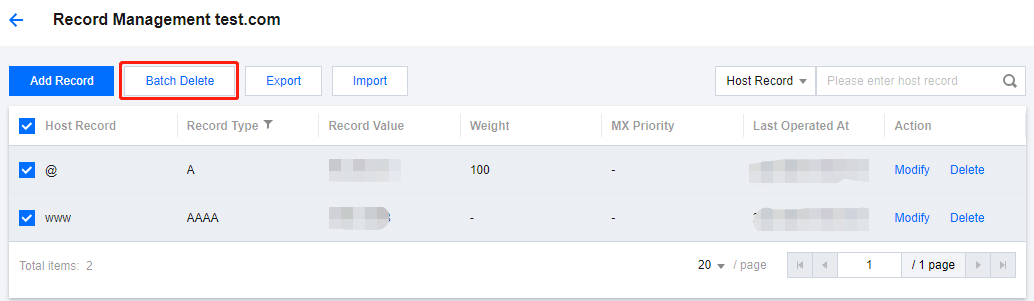
- If you want to delete multiple resolution records, you can select multiple records and click the Batch Deletion button to delete them.
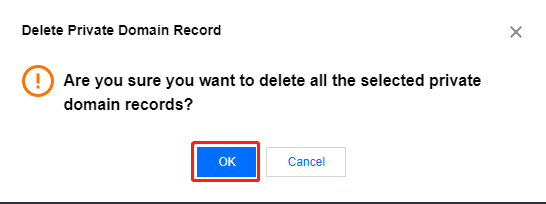
- In the pop-up dialog box, click OK to complete the deletion.
Note:
Deleted records cannot be restored. Proceed with caution.