Operation Scenarios
In general, if your resolution record needs to be changed, you can modify it directly. This document describes how to modify your record as needed.
Directions
- Log in to the VPC DNS console and enter the VPC DNS List management page.
- In the "VPC Domain Resolution List", select the private domain you need to modify the record for, and go to the Resolution Record page of that domain.
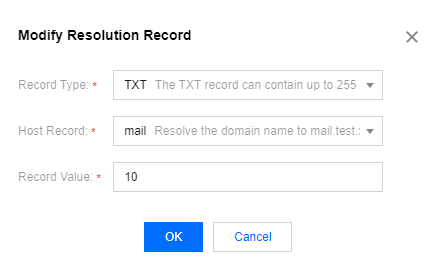
- Please select the resolution record you need to modify and click Modification in the Operation Column.

- In the pop-up Edit Resolution Record window, after completing the modifications, click OK to save the changes.