When you confirm that the CLB instance no longer has traffic and no longer needs to be used, you can delete the instance through the CLB console or API.
Once an instance is deleted, it will be completely terminated and can not be recovered. We strongly recommend that you unbind all backend CVMs before deleting an instance and observe for a while before deleting it.
Deleting a CLB Instance through the Console
- Log in to the CLB console.
- Find the CLB instance you want to delete and click Delete in the rightmost operation column.
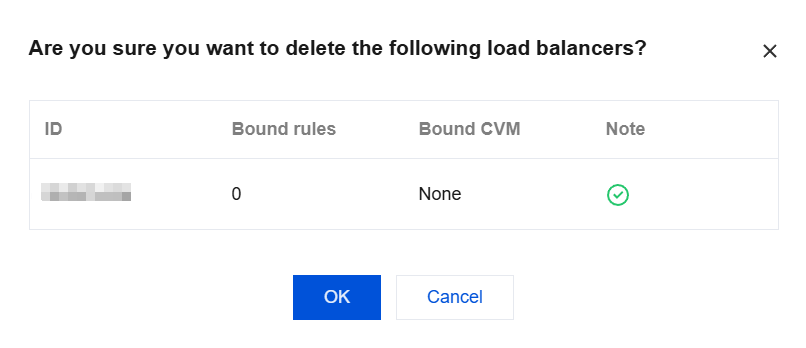
- A final confirmation dialog box will pop up. After confirming that the operation safety prompt is normal, click OK to delete the instance.
The following figure shows the final confirmation dialog box. We strongly recommend you confirm that the number of binding rules is 0, the number of bound CVM instances is None, and the operation safety prompt is shown in green before performing the deletion operation.