Overview
You can use the COS console to search for the uploaded objects.
Searching for the Current Objects in the Bucket
Directions
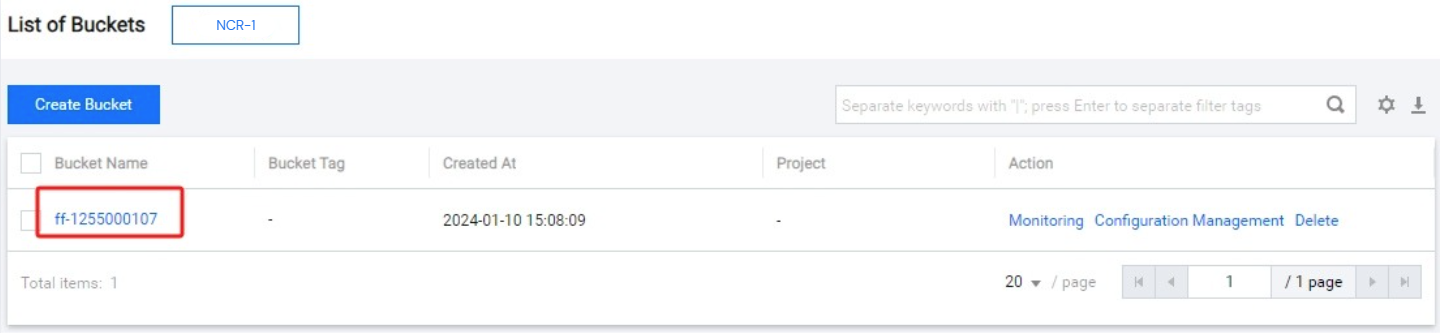
Log in to the COS console, click Bucket List to go to the bucket list, and click the bucket where the object is located.
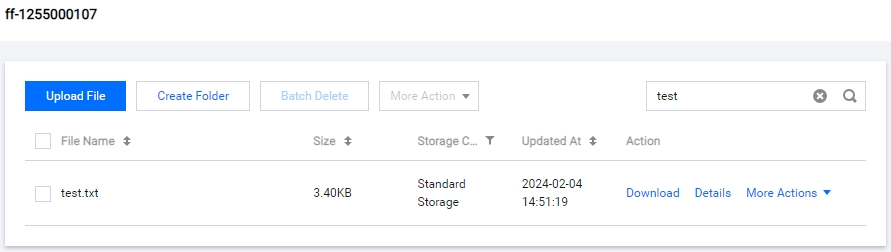
In the search box in the top-right corner of File List, type the object name prefix, and click the search button. Then, the objects or folders with the same name prefix in the current bucket are displayed. If you need to search for a specific object, you can type the complete object key, such as
test.txt.