Overview
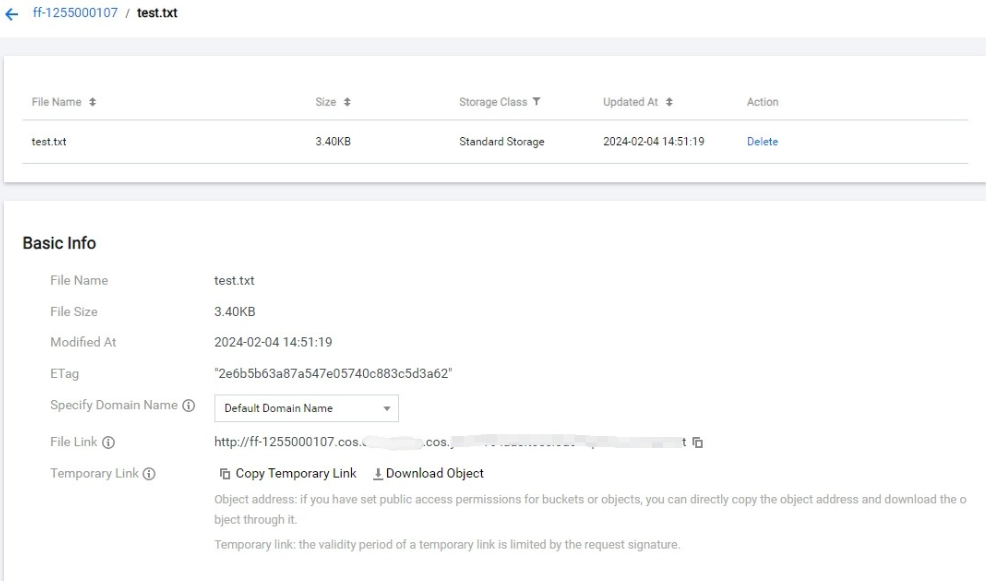
The COS console lets you view object attribute information (such as object size and object address) and object-related configurations (such as setting object access permissions, changing storage types, etc.).
Directions
- Log in to the COS console and click Bucket List to enter.
- Click the name of the bucket where the object is located to enter the File List page of the bucket.
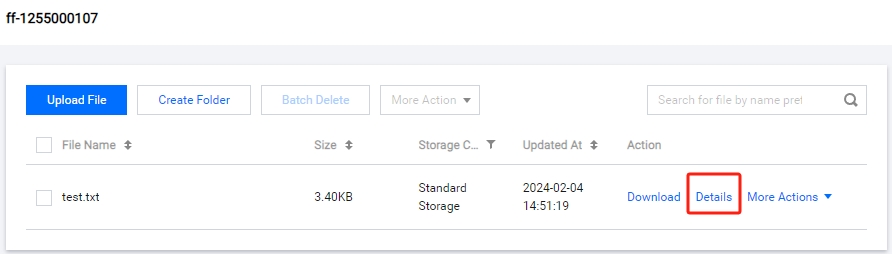
- Click Details on the object's right side to view the object size and object address and obtain the signature link and other related information. At the same time, you can also configure the object.