Overview
Enable bucket versioning to store multiple versions of objects in a bucket and retrieve, delete, or restore objects of a specified version. This helps recover data that was accidentally deleted by the user or lost due to application failure.
Directions
- Log in to the COS console.
- In the left sidebar, select Bucket List to enter.
- Locate the bucket for which you want to configure a version, and click its name to enter the bucket list.
- Select Fault Tolerance and Disaster Recovery Management > Versioning and click Modify to enter the editing status.
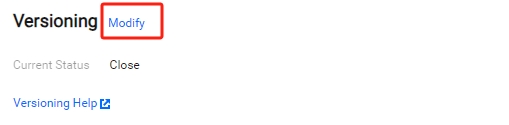
- Click Enabled button of Current Status and save.
- In the pop-up dialog box, click OK to enable versioning.
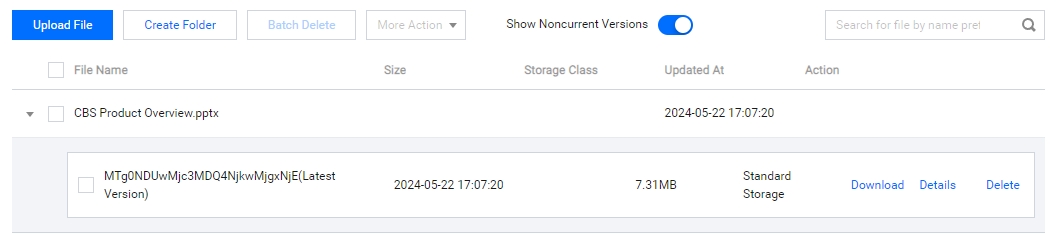
When you do not need to use the versioning function, change the current On button to Off. - After enabling versioning for a bucket, if you upload a file whose name already exists in the bucket, you can click Show Noncurrent Versions on the file list interface to view this file's previous versions uploaded at different time points. You can also perform various operations on the latest version and historical versions, and delete marker versions.
Historical version files support Download, Details, Delete operations.