

The following operations take "www.cloud.com" as an example.
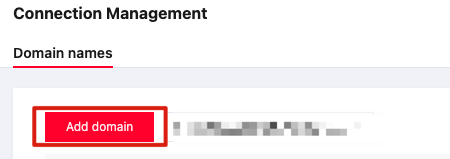
- On the Tenant Side WAF > Asset Center > Access Management page, select a "cloud" instance, and click the Add Domain Name button.
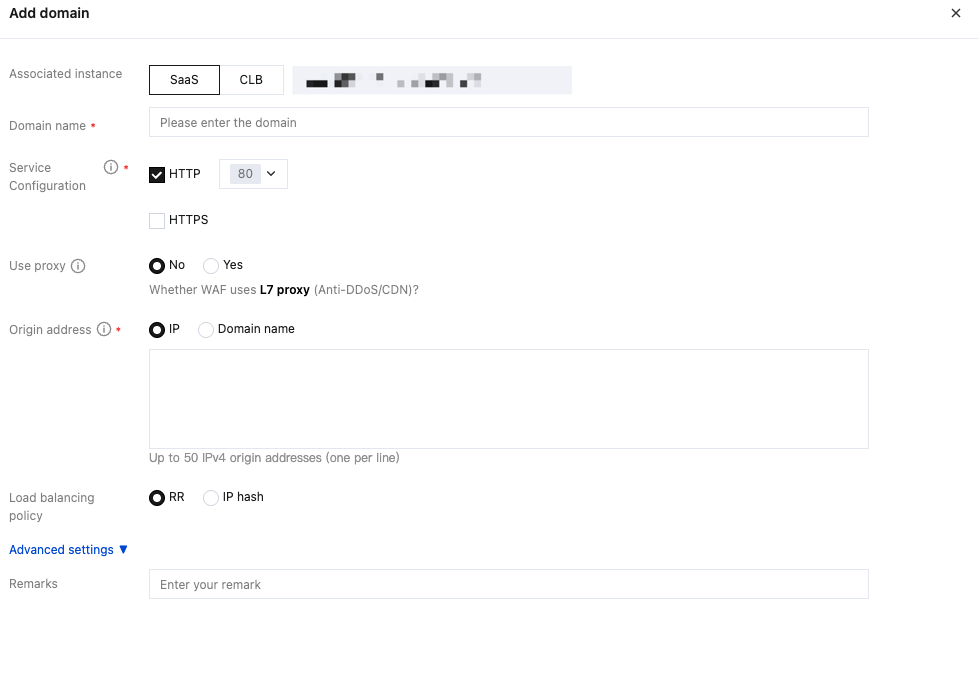
- In the Add Domain Name interface, select the SaaS type, and confirm that the instance is the expected one. Fill in the instance domain name, select the actual site port, write the actual origin server address, and click the OK button.
- After the domain name is successfully accessed, go to the Tenant Side WAF > Asset Center > Access Management page and check that the domain name access status is normal and the WAF switch is enabled properly.

