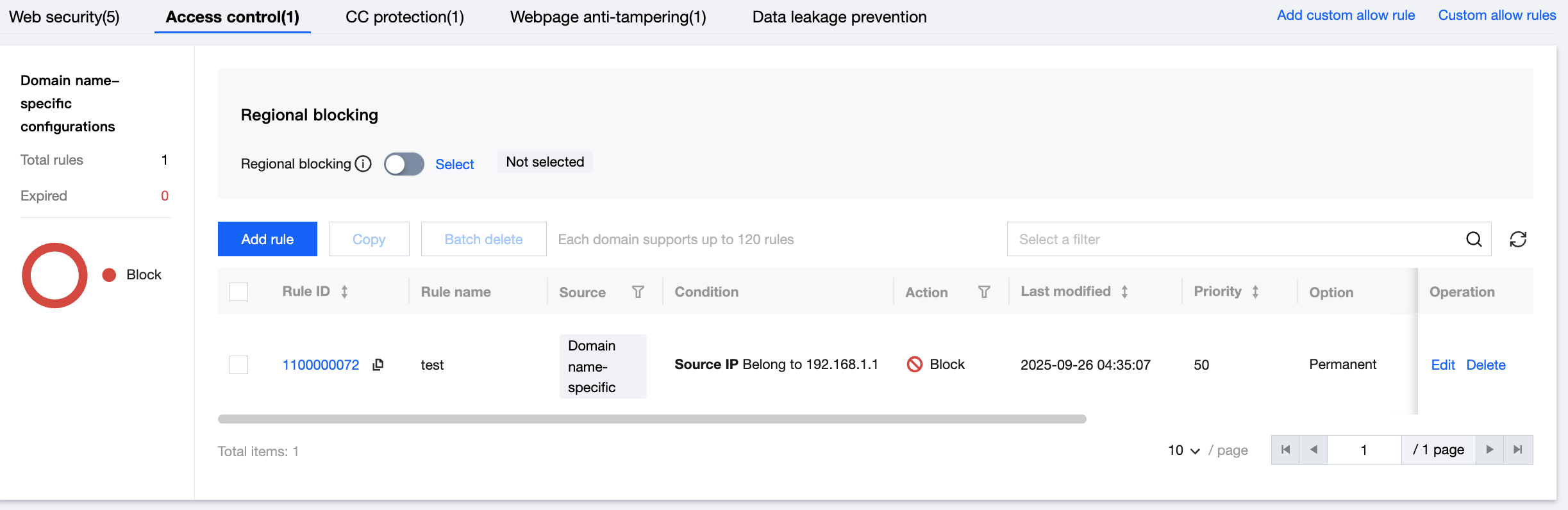
- Log in to the tenant-side WAF console and navigate to the basic security page. Select the required domain name and click Access Control.
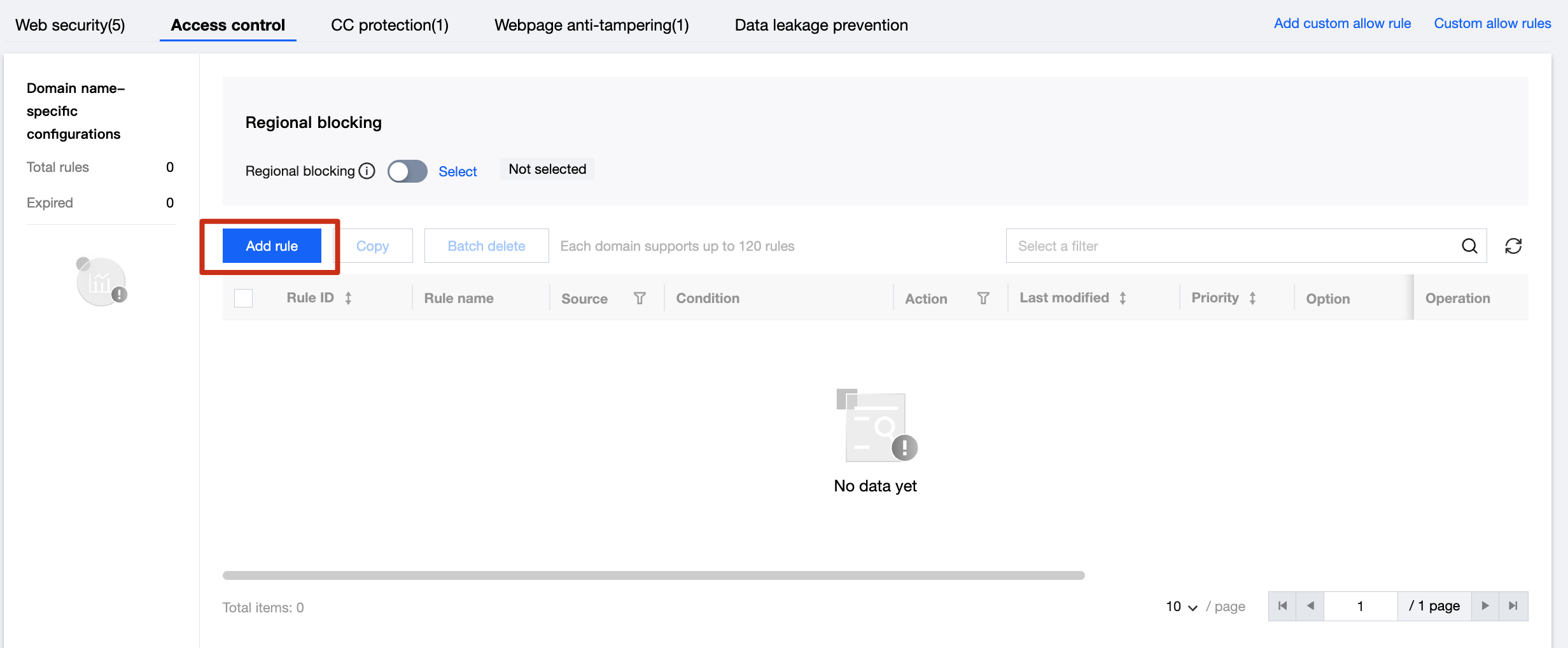
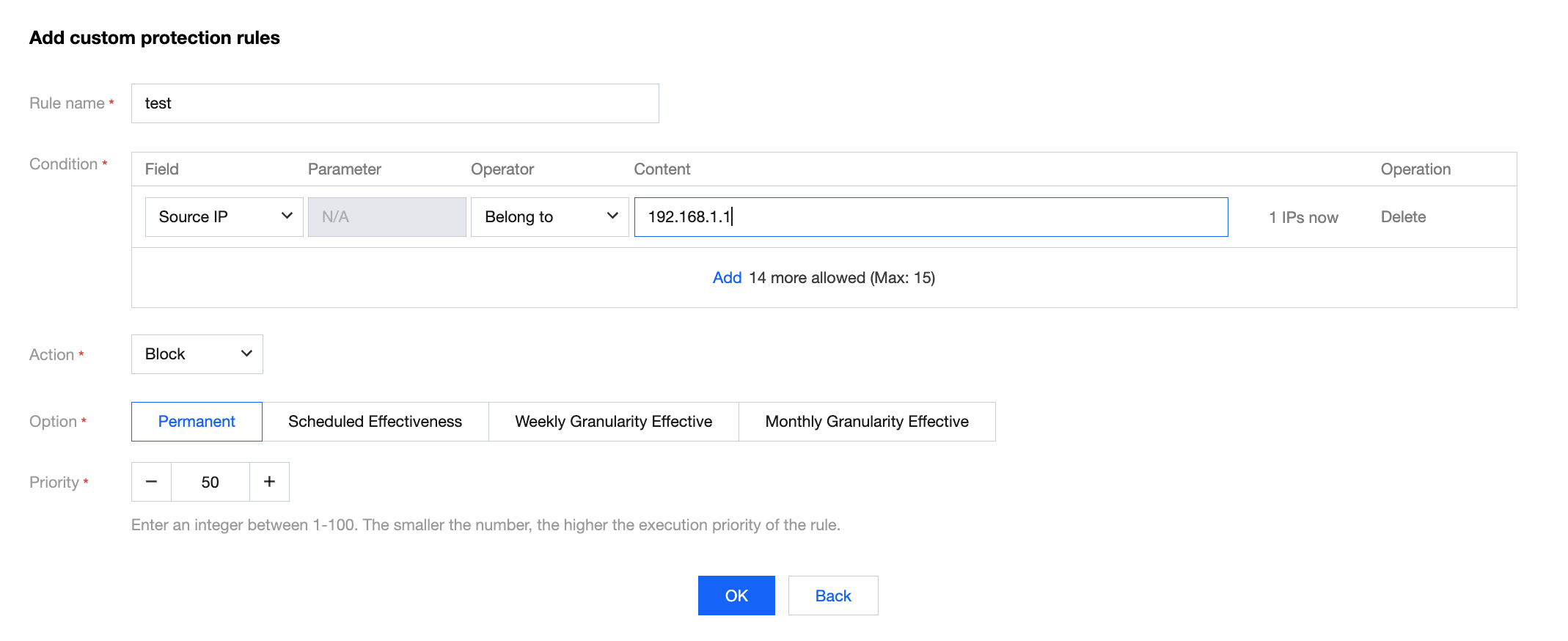
- Click Add Rule to add a custom policy. Set the matching field to 'Request Path', select 'Contains' as the logical operator, set the matching content to '/admin', and configure the action to Block. Finally, click OK.