

Overview
Support region allowlist. Only tenants (UIN) on the allowlist can access resources in this Region.
Directions
- Log in to the operation side console.
- Select Platform Operation > Customer Management.
- In the left navigation tree, select Whitelist Management to add the corresponding allowlist type. For example, you can set a specified allowlist account as the effective allowlist type.
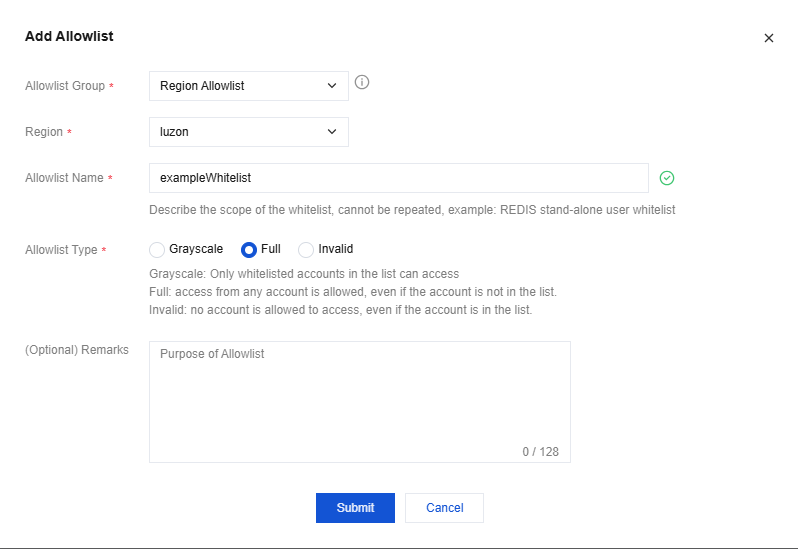
- Only tenants (UIN) in the allowlist can access resources in this region. Otherwise, they have no access permissions.
