

Overview
Users can bind a registered custom domain name to the current bucket and access objects in the bucket through the custom domain name.
Note:
The maximum number of custom domain names that can be added through the COS console is 20.
Directions
- Log in to the COS console.
- In the left sidebar, click Bucket List to go to the bucket list page.
- Click the bucket whose domain name you want to configure to go to the bucket configuration page.
- Select Domain Name Management and click Add Domain Name. If your custom domain name has been registered with the Ministry of Industry and Information Technology and can be CNAMEd to the default domain name of the bucket. Directly input the custom domain name in the Domain Name input box and click Save.
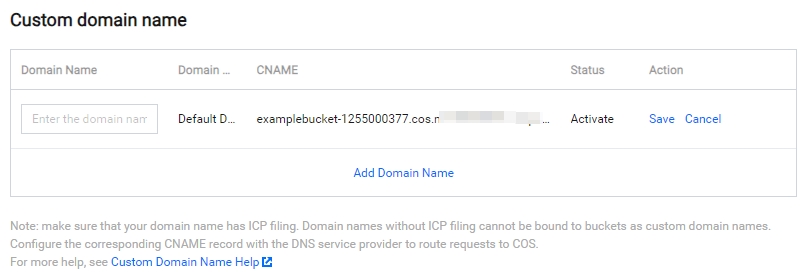
If you have not yet added resolution for your custom domain name, modify the CNAME information at your DNS vendor.
