Overview
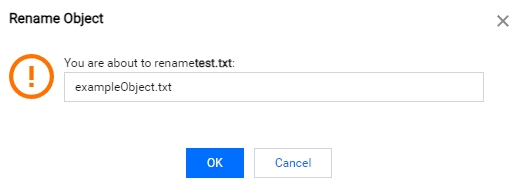
You can use the COS console to rename the uploaded objects.
Directions
Log in to the COS console.
In the left sidebar, select Bucket List to go to the bucket list page.
Click the corresponding bucket name to go to the bucket file list.
Move the cursor over the name of an uploaded object and click the edit button.
Note:
The name cannot start with "/" or "****", and its length should be up to 850 characters.