

Overview
You can download or access objects that have been uploaded to the bucket through the access address.
Note:
Currently, COS only supports downloading a single object but not batch downloading of objects.
Directions
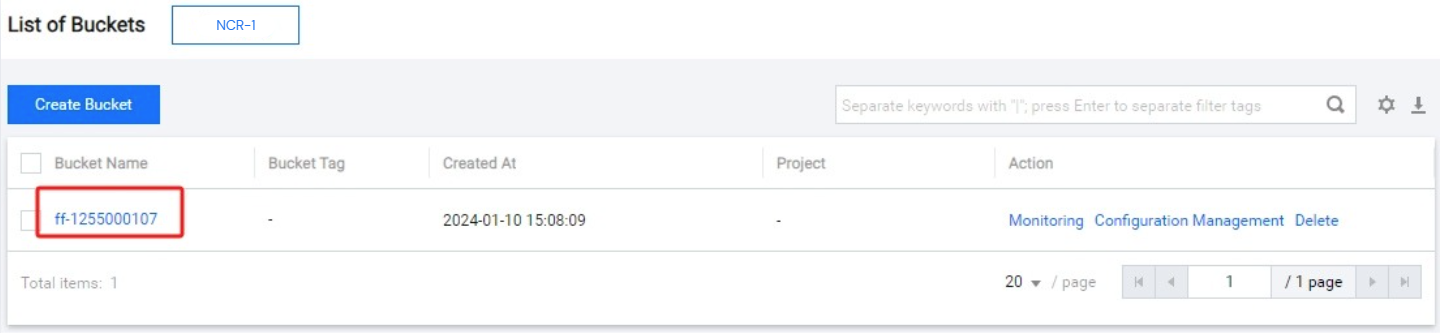
- Log in to the COS console, click Bucket List, and click the corresponding bucket name to enter the file list of the bucket.
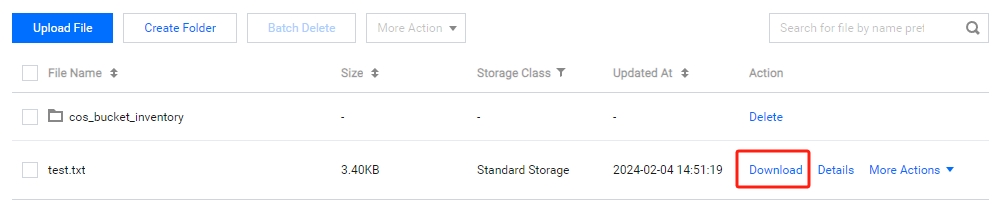
- Find the object you want to download in the file list and click Download to download the object or click Details on the right to jump to the file details interface to obtain the download link (see step 3).
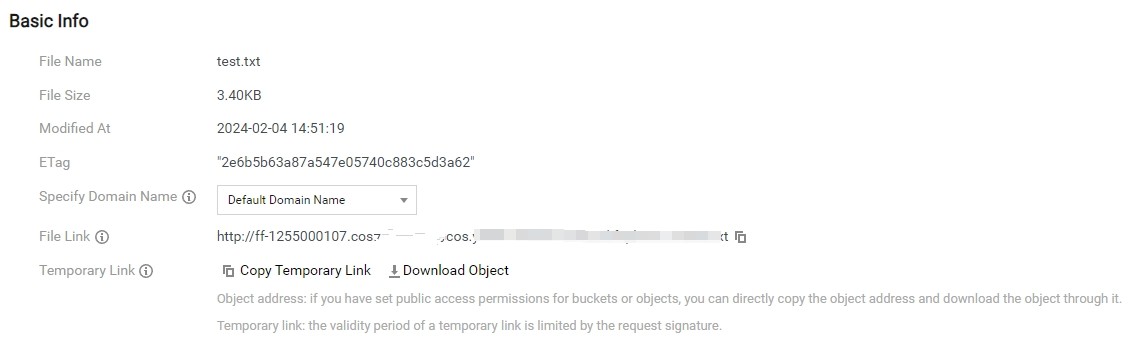
- In the file information details box, you can view the object address. You can click Download Object to download directly or click Copy Temporary Link to copy the link, paste it into the browser address column, and press Enter to download.
Note:
- If the attributes of the bucket to which the object belongs are private read/write, the address copied here will automatically calculate the signature and add a suffix.
