Overview
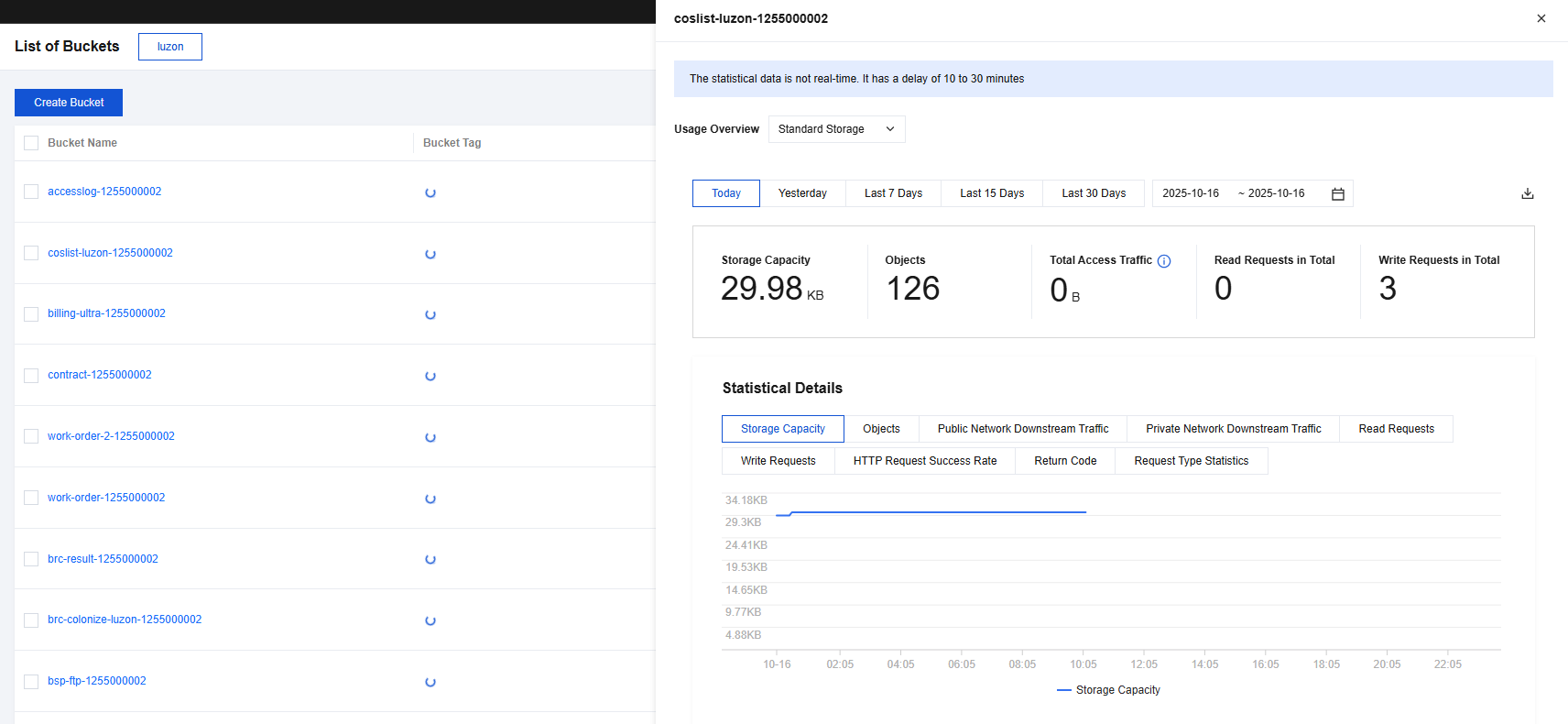
Cloud Object Storage (COS) provides the ability to monitor storage data. The COS data statistics monitoring window can display data such as request volume, traffic, and return code. You can use the monitoring data window to query the amount and trends of data for different storage types during different periods.
Directions
- Log in to the COS console.
- In the left navigation tree, select Bucket List.
- On the bucket list page, find the bucket for which you want to collect data, click Monitoring on the right, and view the monitoring data of different storage types of the bucket.
Support querying or downloading bucket usage information for standard storage and infrequent access storage in a specified period.