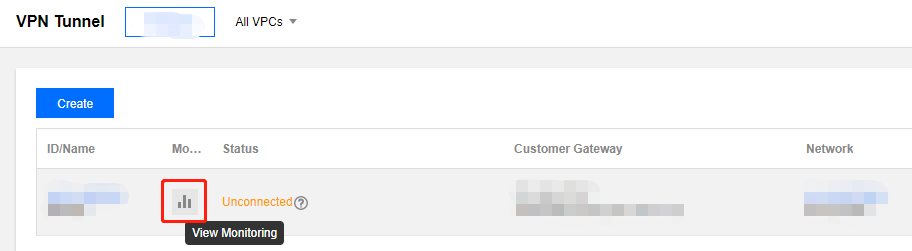
The VPN channel and VPN gateway provide the feature of viewing monitoring data.
VPN Gateway
- Log in to the Virtual Private Cloud (VPC) console.
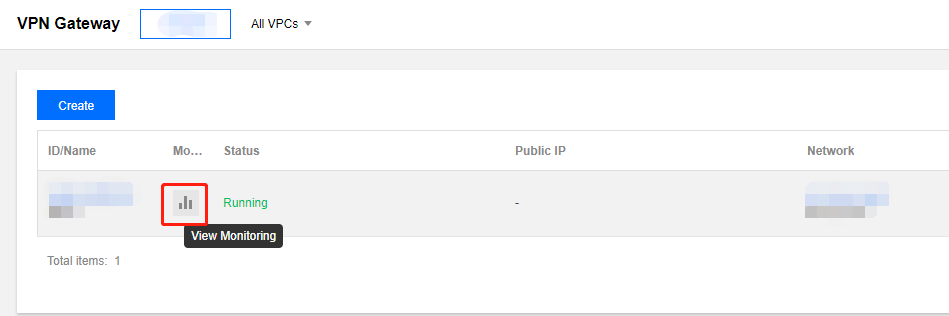
- Click VPN Connection > VPN Gateway in the left navigation bar.
- Select a region and Virtual Private Cloud, and click the VPN gateway monitoring icon you want to view in the list to view the monitoring data.
VPN Tunnel
- Log in to the Virtual Private Cloud (VPC) console.
- Click VPN Connection > VPN Tunnel in the left navigation bar.
- Select a region and Virtual Private Cloud, and click the VPN channel monitoring icon you want to view in the list to view the monitoring data.